Delete your account in the app
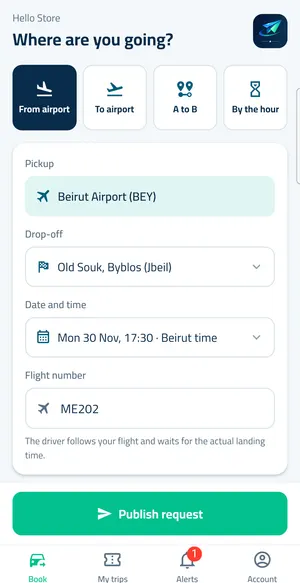
- Open the BEYgo app and sign in.
- Go to “Account”.
- Tap “Delete my account” and confirm.
Or ask us to delete it
Message us from the Contact page using your registered mobile number and write “Delete my account”. We complete the request within 30 days.
What is deleted
Your account is closed at once and your name, mobile number, e-mail, profile photo, sign-in and notifications are erased. Trip, payment and chat records and driver documents linked to the closed account (without your personal details) are kept only as long as the law requires for accounting and disputes. To have these deleted too, ask us through the Contact page.